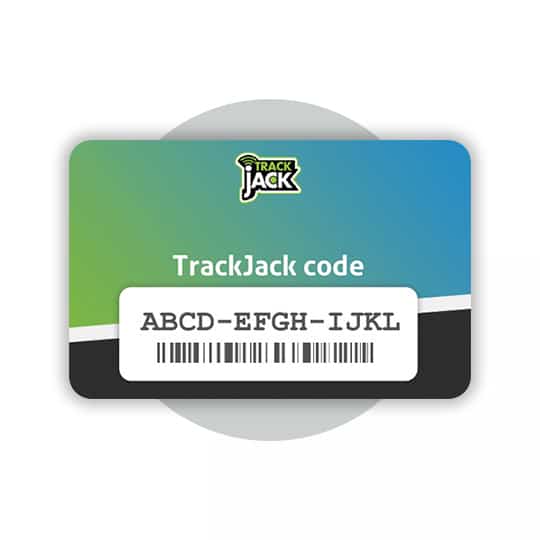
If you have installed the TrackJack yourself, you will be asked to go through the installation wizard after entering the TrackJack code. Follow the steps below or watch the video.
- Step 1: Set up your TrackJack
- Name
- Number plate
- Make
- Model
- Chassis number
- Mileage
- Step 2: Installation
- Select how you have connected the TrackJack. If you have a TrackJack GO!, you can proceed to step 3.
- Motion detection / OBD2 port: the system is connected to the positive and negative terminals or is installed via an OBD2 cable.
- Ignition connection: the system is connected to the positive, negative and switched positive terminals.
- If the system is connected via the ignition, the next step is to select whether any additional options, such as a privacy button, driver identification or relay, are connected.
- Select how you have connected the TrackJack. If you have a TrackJack GO!, you can proceed to step 3.
- Step 3: Your installation has been tested
- The system will now search for a location, connect to the platform and check for an ignition signal if the system is also connected to the ignition.
- Once everything shows a ‘green tick’, proceed to the final step.
- Step 4: Purchase a service level
- Did you order a service level directly when placing your order? If so, you will have received an email on the day of the order containing a service code that can be entered here.
- No service code yet? You can order one in the webshop.
- Step 5: Select driver
- Select the driver who will be driving the vehicle and complete the wizard.
You have now completed all the steps and can finish the installation wizard. The system is now being configured and will be shown as ‘operational’ within 10 minutes.