What are credits and how do they work?
Are you planning to order your TrackJack? Or have you come across credits in your online account? We’ll tell you all about it.
What are credits?
When TrackJack launched in 2009, you had to actively request your vehicle’s location yourself if you wanted to know where it was. This was unique in the market, as you weren’t tied to a subscription or an annual fee. At the same time, however, you didn’t know what the vehicle had been doing, as it was truly on-demand only.
In recent years, we have transitioned to annual service levels. This is a fixed fee that ensures you automatically receive the latest location updates for your vehicle across 40 countries in Europe via your online account. Depending on the service level you have chosen, this can range from every 12 hours to as frequently as every minute. However, we still offer the option to actively request a location, for example if you have the Light or Basic level.
Tracking mode, SMS and the TrackJack Endurance
You can also use credits for even more features. Here are the three other possible uses for credits.
 Tracking mode
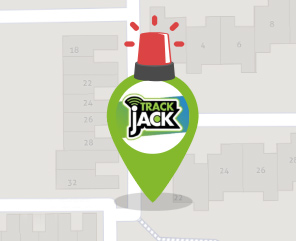
Has your vehicle been stolen or do you want to track its exact location? Tracking mode ensures you receive a location update for your vehicle or vessel every 30 seconds for a period of 24 hours. This mode costs a one-off fee of 30 credits and is easily recognisable by the alarm icon above your marker.- Receive SMS messages Would
you like to receive SMS messages in addition to email and push notifications on your smartphone? An SMS message costs one credit and will be sent in the event of a theft or tampering alert, or a safety zone alert. - Adjusting TrackJack Endurance
frequency If you have a TrackJack Endurance (1 & 2), you can adjust the frequency at which the system transmits location data. Adjusting the frequency costs one credit.
Where can I see my credits?
If you want to see how many credits you have left, you can check your online account under Management > Account settings. You will now see the number of credits in the top right-hand corner of the side panel.
How do I buy credits?
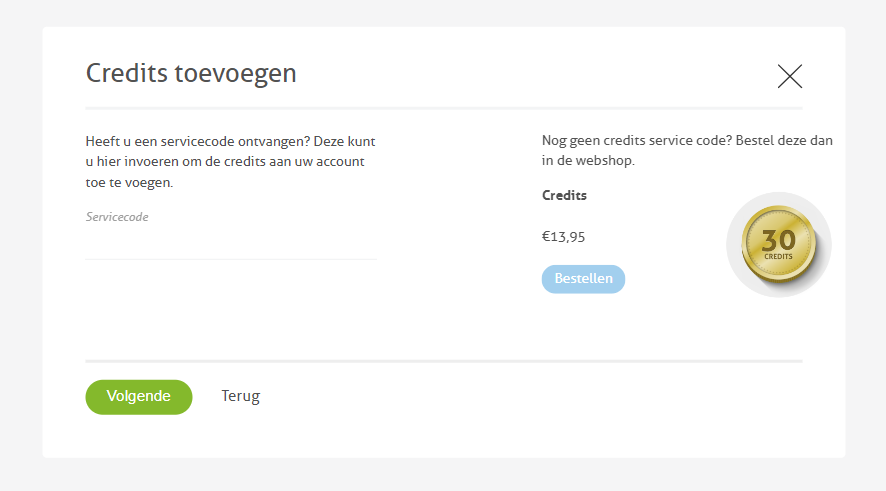
Would you like to purchase credits? You can do so via the same section in your online account. Go to Management > Account settings and click on ‘Add credits’ in the top right-hand corner. You can order your credits in the webshop, after which you will receive an email with a service code. You can enter this code in the same overview.