
What are labels?
Would you like to distinguish between, for example, your field service and service department? If so, you can use Labels.
You have already created a label when setting up your Drivers, so that you can filter by vehicle. However, a label is also ideal if you want to view your field staff and office staff, service and maintenance, or other departments separately.
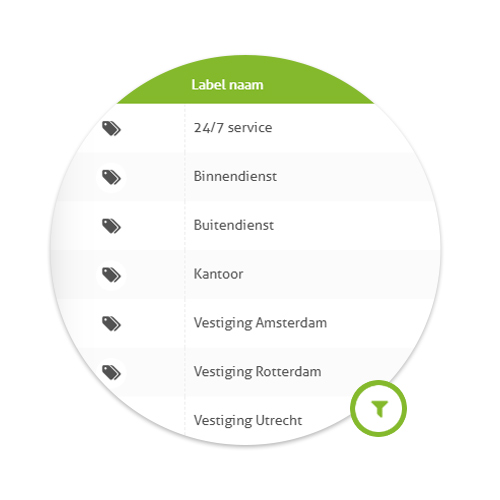
Go to ‘Management’ and select ‘Labels’. In the right-hand sidebar, select ‘Add new label’. In this view, you can choose which vehicles (or drivers) you want to include in the label. Give the label a suitable name and click Save.
At the top right of the page, you can click the Filter icon and select a Label from the drop-down menu. Now click Filter. In your systems on the map and in all your overviews you will now only see the vehicles from that label!