
My vehicle or boat doesn’t have a registration number – what should I do?
Have you installed a TrackJack OTM in a vehicle or vessel without a number plate? An excavator, jet ski or boat naturally does not have one. But that is not a problem.
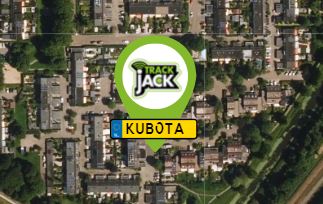
Enter a distinguishing feature
You can then enter a description in the ‘Registration’ field in your TrackJack’s Settings. This could be the make of your machine, the model of your boat or the driver’s name.
You will then see the chosen name displayed as the registration on the map.
Don’t want to show a registration number?
Don’t want to see a registration number on the map? That’s possible too. To do so, follow the steps below.
- Under 'Systems on the map', click the cog icon with a green background in the bottom right-hand corner.
- Now switch off 'Show number plate' here.
As you can see, you can also switch the 'vehicle name', 'driver name' and 'status' on or off here.