
How do I customise my ride?
All journeys you make are automatically marked as business trips by default. But of course, that isn’t always the case. What settings are available and how can you adjust a journey?
Setting office hours
You can go to Management > Systems and then Settings in your TrackJack to access the ‘Set office hours’ tab. Here you can specify the times and days during which your journeys should automatically be marked as business. All journeys outside these times are automatically set to private. You
can also set this to receive a notification if the vehicle is used outside these office hours.
Adjust via the app
If you are using the app, you can change the trip status in the trip overview with a single tap.
To do this, go to the Trip Overview and click on the toggle next to the suitcase and the house.
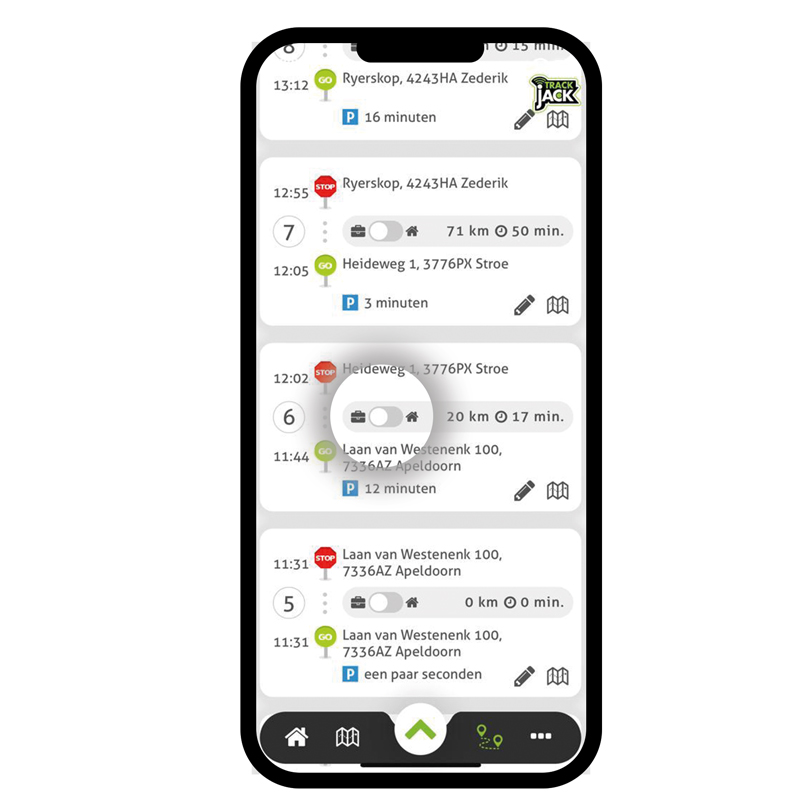
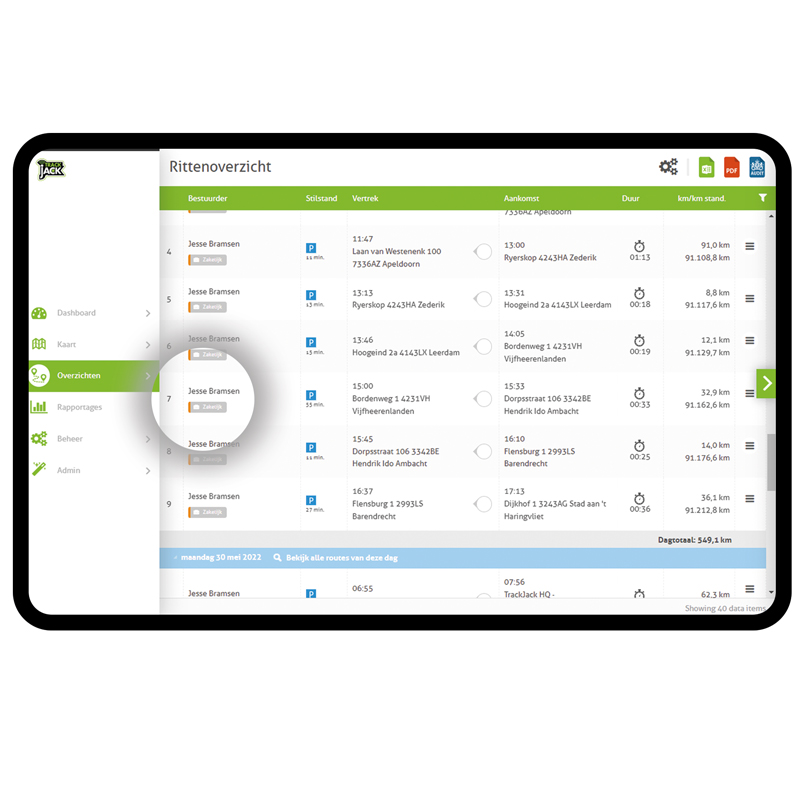
Edit via your online account
Are you using your computer to edit your journeys? Simply click on the word 'Business' or 'Private' to change the nature of the journey.
Tags: business, private, edit journey, correct journey, type, change, switch